A 7-Day Exam Revision Plan With Practice and Review
With a week before an exam, your first job is to find out what needs work and how much time is available. Use this example as a planning framework, then adapt it to your subjects.
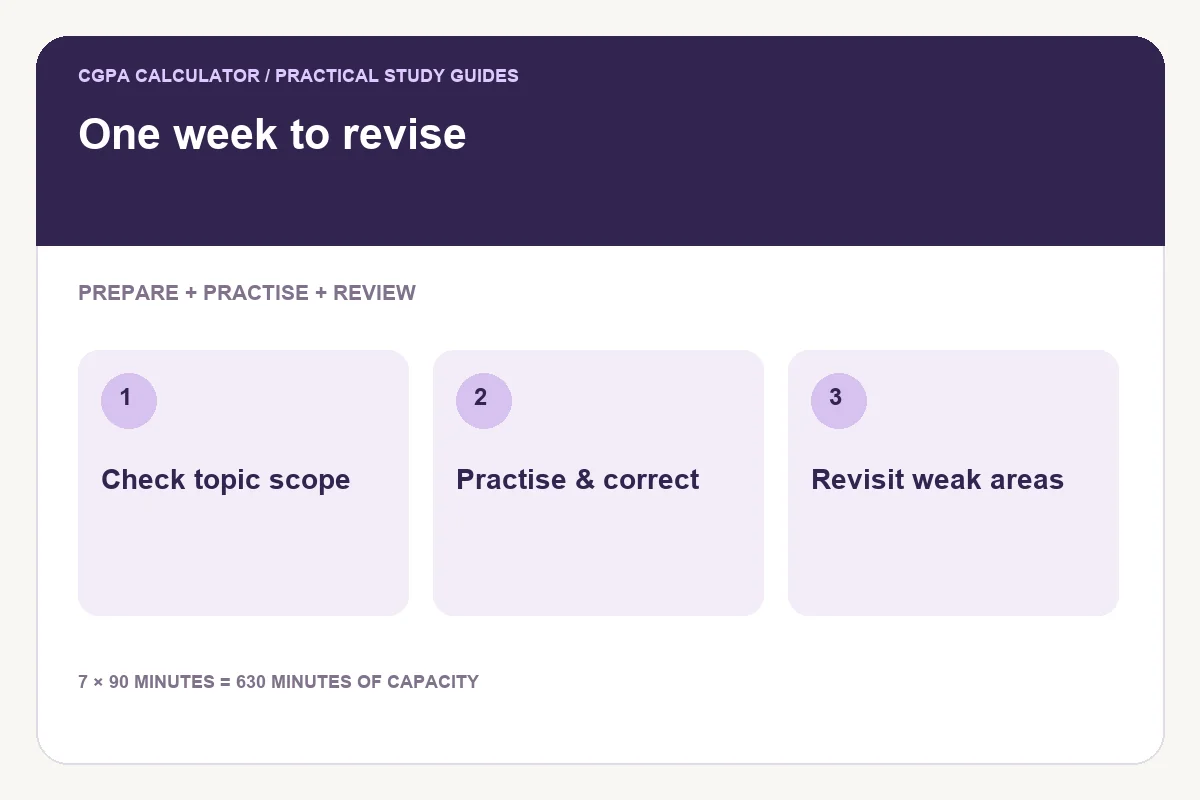
Start with scope and evidence
Check the exam’s announced topics and format. List the areas you need to prepare, then attempt a few representative questions without looking at the answers. That gives you a more useful starting point than treating every chapter as equally unfamiliar.
Seven days is an example horizon, not a promise that every syllabus can be completed in a week. If the required work exceeds your capacity, the plan should show that problem rather than hide it.
Reserve time for practice as well as preparation
Include time to organise material, answer questions, check solutions and revisit mistakes. Preparing resources is only part of the work. Testing yourself can show where another review is needed.
Avoid assigning all preparation to the beginning and all testing to the final evening. Revisit important material when practical. The planner allocates minutes, while you choose the activity to perform during those sessions.
An illustrative seven-day structure
| Period | Main purpose | Useful output |
|---|---|---|
| Day 1 | Check scope and sample questions | A prioritised topic list |
| Days 2–3 | Prepare and practise early topics | Attempted questions and corrections |
| Days 4–5 | Revisit weak areas and other topics | Updated estimates |
| Day 6 | Practise in the relevant format | An error list to review |
| Day 7 | Targeted review and exam logistics | A manageable final checklist |
If the exam is on Day 8, all seven days are before it. In the revision planner, the exam date itself is excluded. If your exam is on Day 7, you have only six eligible dates when starting on Day 1.
Check whether the minutes fit
At 90 study minutes per day for seven eligible days, the maximum entered capacity is 630 minutes. A workload of 720 minutes leaves at least 90 minutes unallocated. Do not treat those minutes as scheduled just because every topic has a name.
Enter remaining time rather than time already spent. The tool orders earlier exams first; priority breaks ties between identical dates. It rotates topics in blocks up to 45 minutes, but does not guarantee a particular interval between reviews.
Revise the plan after practice
When you correct mistakes, update your estimate of the work left. A topic may need another short practice block rather than a full reread. Check that the revised work still fits before the exam.
Use the syllabus tracker for coverage, and keep a separate note of what you can recall or solve without help. Coverage and readiness are not interchangeable. Download the current plan so you can see both scheduled and unallocated work.
Common questions
Will this plan work for every exam?
No. Adapt the scope, tasks and time to the subject, assessment format and your starting point.
Does the revision tool automatically schedule spaced repetition?
No. It rotates available topics but does not enforce a fixed review interval. Inspect and adjust the schedule.
Try the exam revision planner
Enter your own values below, or open the full exam revision planner page for its complete usage guide.
Further reading
Reviewed on October 24, 2026.
Worked examples use simplified calculation models. Check your institution’s current regulations, grading scale, rounding rules and official records before relying on a result.