How to Fit a Study Timetable Around College Classes
A useful college timetable starts with the week you actually have. Map classes and other commitments first, then choose study sessions that can fit around them.
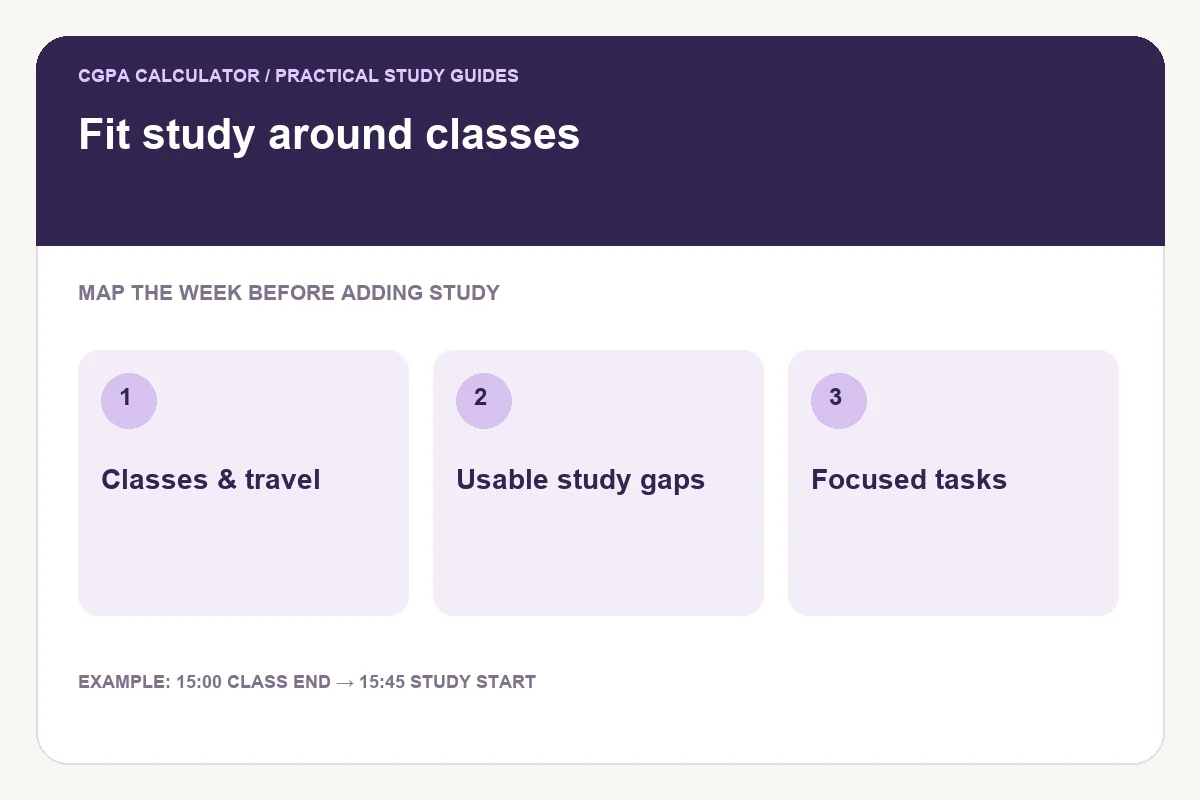
Separate fixed commitments from study opportunities
Write down class times, travel, work shifts and other commitments before assigning study blocks. Include the time needed to get ready and move between places. A ten-minute gap between lectures is not a free hour simply because neither class fills it.
Choose what the timetable will represent. If you enter lectures alongside independent study, both count towards its weekly hours. For a total of independent study only, keep class commitments in your reference calendar and enter just the sessions you plan around them.
Look for usable gaps, not every empty gap
A short gap can suit a specific task such as recalling yesterday’s definitions or checking one problem. A longer, quieter period may suit drafting or a difficult problem set. Match the activity to the setting instead of giving every available slot the same label.
Allow for meals, breaks and the transition after a demanding class. The tool checks overlaps between entries; it cannot know whether a session is realistic for your energy or location.
Example: a class ends at 15:00
Suppose your class ends at 15:00 and travel takes 30 minutes. A 45-minute study session beginning at 15:45 ends at 16:30. Starting at 15:00 would ignore the journey. A second 30-minute session at 16:45 leaves a 15-minute gap between study blocks.
| Commitment | Start | Finish |
|---|---|---|
| Class | 14:00 | 15:00 |
| Travel | 15:00 | 15:30 |
| Independent study | 15:45 | 16:30 |
| Second study task | 16:45 | 17:15 |
Use task names that make starting easier
Write “attempt four mechanics questions” or “outline the introduction” rather than a vague instruction to study. You can then judge whether a session’s duration matches its task. Large assignments may need several blocks with different purposes.
Enter the weekday, start time and duration in the builder. If two entered sessions overlap, adjust them before exporting. Sessions touching at the exact boundary are allowed, but that does not provide a break.
Check the exam workload separately
A recurring timetable answers when you might study each week. An exam revision plan answers whether estimated work fits before specific exam dates. Use both views when a deadline approaches. The tools do not synchronise automatically, so compare their totals yourself.
Review the routine after a week. Keep the sessions you could use, move those that regularly fail and update any changed class times. Save locally and keep a downloaded copy when you need the plan on another device.
Common questions
Can the builder import my college calendar?
No. Enter sessions manually and check outside commitments yourself.
Should I fill every free period?
Leave realistic room for breaks and unexpected work. Choose blocks you can use rather than trying to fill the calendar.
Try the study timetable builder
Enter your own values below, or open the full study timetable builder page for its complete usage guide.
Further reading
Reviewed on October 24, 2026.
Worked examples use simplified calculation models. Check your institution’s current regulations, grading scale, rounding rules and official records before relying on a result.