How to Turn a Course Outline Into a Syllabus Checklist
A course outline describes what a subject covers. A useful checklist translates that outline into entries you can update consistently, without losing sight of what completion means.
Use the current outline as the starting point
Gather the current course outline, announced assessment scope and any updates from your instructor. Keep the version or date with your reference copy. The tracker cannot know that a topic was added, removed or excluded from an examination.
Separate administrative information from learning topics. Contact details and reading lists may belong in your course notes, while the progress tracker should contain work you intend to measure.
Choose a useful size for each entry
Break a large unit into topics that can be described clearly. “Statistics” may be too broad, while a separate entry for every definition may be hard to maintain. A few coherent topic groups are easier to review.
Use the subject field consistently. “Physics” and “Physics lab” can be separate groups if that distinction helps, but accidental spelling variations create separate subject totals. The tool supports up to 40 topic entries in one plan.
Define progress and weights before adding percentages
Decide what 100% means for this checklist. For example, it could mean that the assigned reading and exercises are complete. That definition does not automatically establish exam readiness. Apply the same definition when updating comparable topics.
Choose one weight basis across the whole plan. Equal weights of 1 give every entry equal influence. Relative study-hour estimates can reflect differences in size. Mixing hours for one subject with marks for another makes the overall total difficult to interpret.
Example: split an outline into workable topics
| Outline unit | Tracker topic | Completion evidence |
|---|---|---|
| Functions | Domain and range | Assigned questions completed |
| Functions | Graphs and transformations | Practice set checked |
| Differentiation | Basic derivative rules | Exercises completed and corrected |
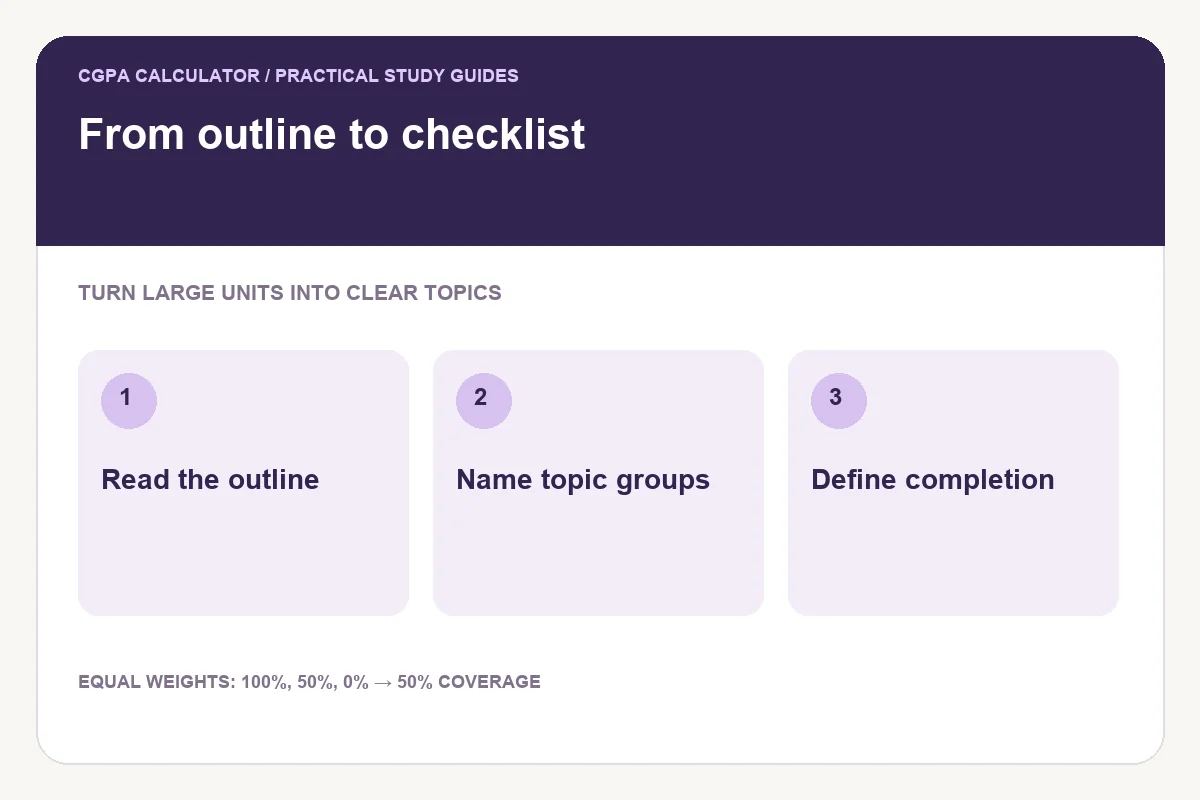
If these three entries all have weight 1 and progress 100%, 50% and 0%, overall recorded coverage is 50%. One of the three topics is complete. The percentage is about your entries, not an official institutional completion certificate.
Keep the checklist useful during the term
Review the outline when your instructor announces changes, and update the plan deliberately. Changing weights changes the total even if progress stays the same, so avoid repeatedly altering weights simply to improve the displayed percentage.
Turn unfinished topics into concrete work, estimate the minutes needed and use the revision planner to see what fits before an exam. Export a PDF when you need a portable snapshot; browser saving does not synchronise to another device.
Common questions
Can I paste a PDF syllabus and have topics extracted automatically?
No. The current tracker uses manually entered subjects and topics. Review the outline and choose the entries yourself.
Can I track multiple subjects together?
Yes. Use the subject field to group topics and keep the weight unit consistent across the plan.
Try the syllabus progress tracker
Enter your own values below, or open the full syllabus progress tracker page for its complete usage guide.
Further reading
Reviewed on October 24, 2026.
Worked examples use simplified calculation models. Check your institution’s current regulations, grading scale, rounding rules and official records before relying on a result.