The Weekly Study Review: Reset Your Plan in 20 Minutes
A weekly review gives your timetable a feedback loop. Set aside a short, regular window to compare the plan with what happened, then decide what should change next week.
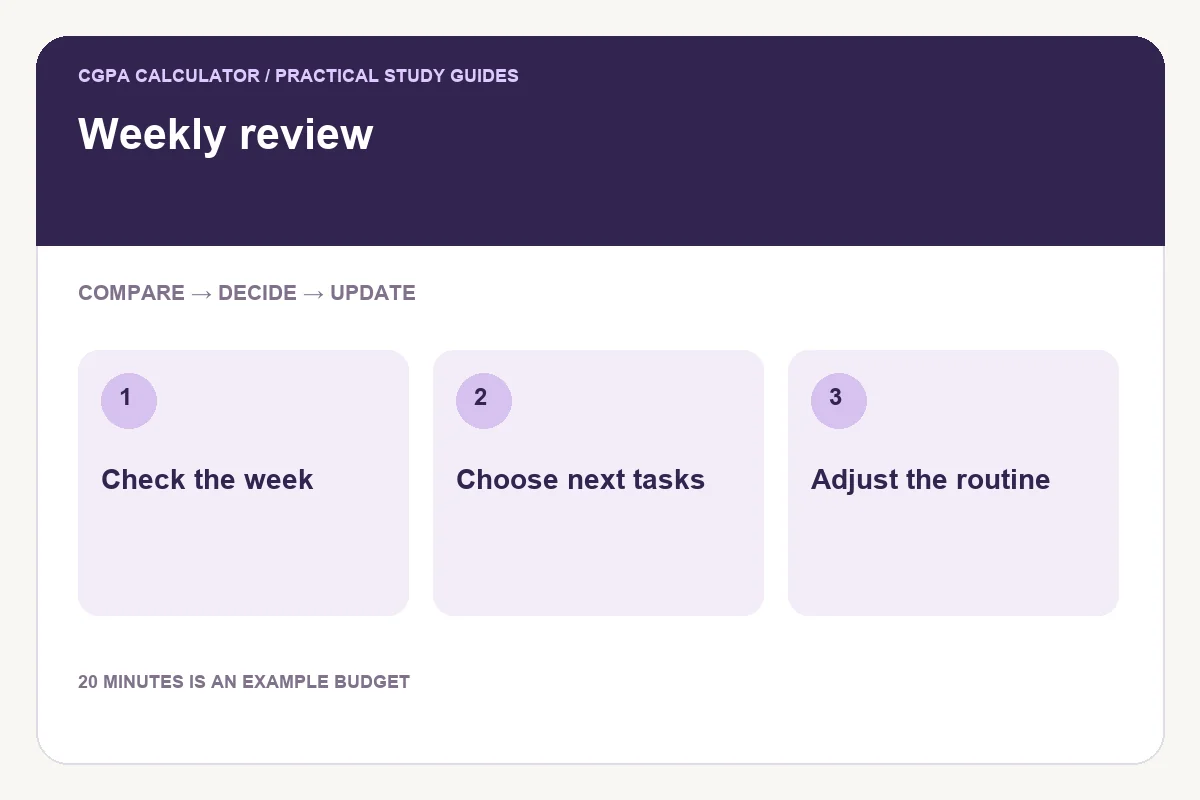
Use the review to make decisions
A study plan can become outdated without being obviously wrong. An assignment takes longer than expected, a class introduces another topic or a session is repeatedly missed. A weekly review turns those observations into changes instead of letting unfinished work accumulate invisibly.
Twenty minutes is an example time budget, not a proven ideal duration. If your workload is complex, use longer. The useful output is a short list of decisions: what to keep, what to move and what needs help.
Compare planned work with actual work
Open the previous timetable and list the sessions you completed. For missed sessions, record the main reason rather than automatically adding the same block to next week. Was the time unavailable, the task unclear or the estimate too small?
Check evidence of work: solved questions, a draft, corrected mistakes or notes you can explain. Time spent and progress made are different measures. The timetable builder records planned sessions; it does not automatically track whether you attended them.
A worked 20-minute review
| Minutes | Action | Decision to record |
|---|---|---|
| 0–5 | Compare planned and completed sessions | Keep or move recurring slots |
| 5–10 | Review incomplete topics | Name the next concrete task |
| 10–15 | Check upcoming deadlines | Adjust the coming week |
| 15–20 | Save and export the revised plan | Keep one current copy |
Suppose a Monday 60-minute reading session was missed twice, while a Wednesday 30-minute problem set was completed both weeks. Try moving the reading to a time that is actually available and narrowing its task. Do not remove the working Wednesday block merely to make the timetable look different.
Update coverage before filling the calendar
Review the topic checklist next. Use the same meaning of “progress” as last week so the comparison stays meaningful. Marking a chapter read is not the same as being able to answer its questions. Identify a task for any topic that needs more work.
Build the next week with a small buffer
Reserve space for tasks likely to overrun and leave gaps for breaks and transitions. If an exam is approaching, check the remaining study minutes against the time available before its date. A weekly calendar can look feasible while the total exam workload still does not fit.
Save the updated routine in the browser or export a PDF as a dated snapshot. Keep older downloads clearly labelled so that an outdated schedule does not become your working plan.
Common questions
Should I rewrite the whole timetable every week?
Keep sessions that work. Change the blocks that conflict with real commitments or do not fit the task.
Does the tracker remember whether I completed a session?
No. The timetable holds your plan. Record actual completion separately and update syllabus coverage yourself.
Try the study timetable builder
Enter your own values below, or open the full study timetable builder page for its complete usage guide.
Further reading
Reviewed on October 24, 2026.
Worked examples use simplified calculation models. Check your institution’s current regulations, grading scale, rounding rules and official records before relying on a result.