NIT Meghalaya CGPA Percentage: Choose the Correct Admission Year
NIT Meghalaya has two conversion methods separated by admission year. Checking that boundary prevents a five-percentage-point error even when the cumulative grade is entered correctly.
Official source and applicable academic record
The current official forms index lists separate certificates for students admitted before 2019 and from 2019 onward. Clause E.21 of the published undergraduate ordinance gives both expressions. The older certificate dated 6 August 2015 shows multiplication by 10, while the newer admission scope subtracts five after multiplication.
The official student-forms page separates admissions before 2019 from admissions from 2019 onward. UG ordinance E.21 specifies CGPA×10−5 for the latter and CGPA×10 for the former. This preset uses the verified undergraduate scope; confirm the applicable programme document for a different degree. The boundary is admission year, not graduation year.
The newer certificate dated 25 March 2019 says no fixed exact marks conversion exists under relative grading and permits this expression for practical purposes; its result is therefore labelled indicative.
Worked example and common reporting mistakes
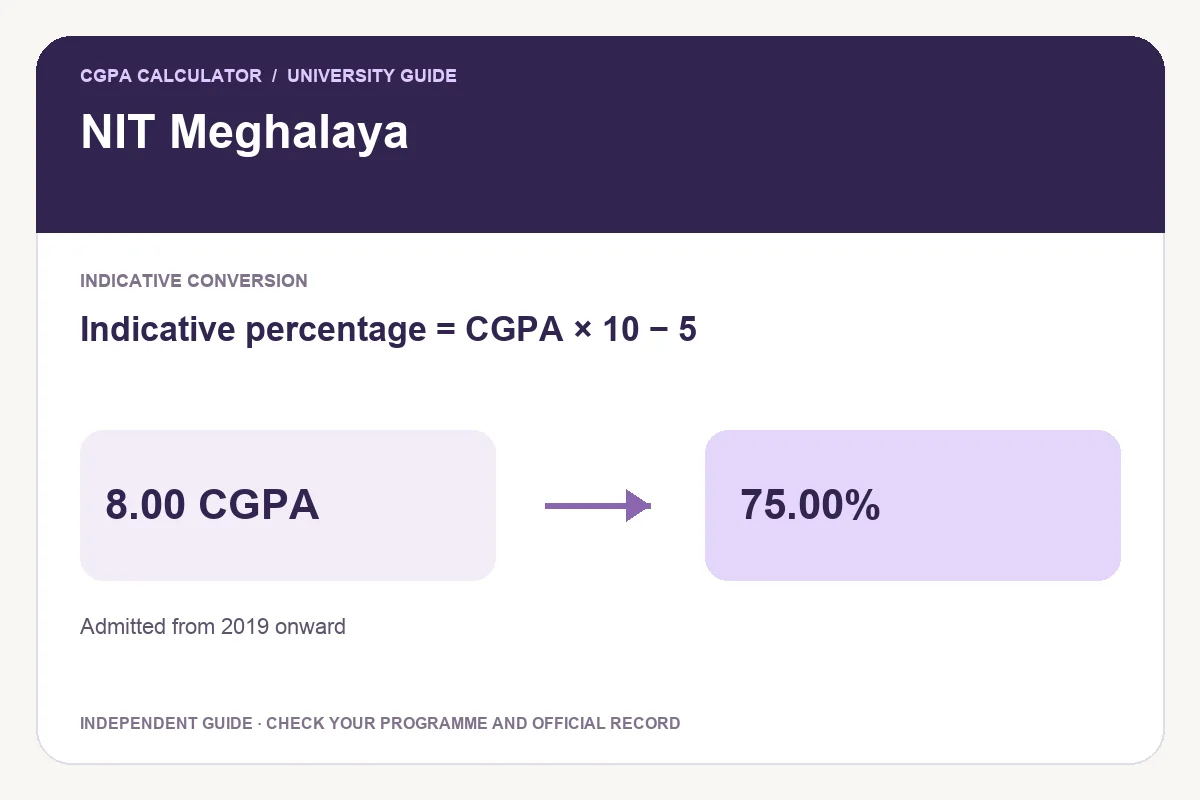
For an 8.00 CGPA, the pre-2019 method yields 80.00% and the 2019-onward method yields 75.00%. These are not alternative answers to choose between: the academic scheme determines the applicable result. Someone admitted in 2018 who graduated later still belongs to the earlier admission group unless a specific applicable amendment says otherwise.
| CGPA | Indicative percentage |
|---|---|
| 6.00 | 55.00% |
| 7.00 | 65.00% |
| 8.00 | 75.00% |
| 9.00 | 85.00% |
Indicative percentage = CGPA × 10 − 5
Compare the admission-year rules
The same input is shown in both rows to explain the boundary. Use only the row that covers the actual academic record.
| Admission scope | CGPA | Percentage |
|---|---|---|
| Before 2019 | 8.00 | 80.00% |
| From 2019 onward | 8.00 | 75.00% |
How to use the calculator
- Check the institution name, programme, original cumulative value and governing regulation.
- Read the linked official source and select the applicable preset.
- Enter the recorded cumulative value without replacing it with a semester average.
- Review the result label and formula before exporting.
Download PDF, print, save an image or share
After a valid calculation, Download PDF saves the input, selected rule, result and official source. Print report prepares the calculation for paper. Download image creates a PNG with the calculation details. Keep the scope and any notional label attached to the result.
Share opens a preview with the calculator link by default. You can choose Include current result to add the calculation, then review it before sharing. These reports explain an independent calculation and do not replace an official transcript or institution-issued certificate.
Frequently asked questions
Is graduation in 2019 enough to select the newer formula?
No. The published distinction is the year of admission. Check the admission record and governing undergraduate regulation, rather than using the graduation date.
Can a percentage conversion certify that I have passed?
No. Degree completion and passing status can depend on credits, individual courses and other requirements. Follow the original academic record and applicable regulation.
Try the programme-specific calculator
Open the full university calculator and usage guide, or use the same tool below.
Official source checked
Reviewed on October 23, 2026.
Worked examples use simplified calculation models. Check your institution’s current regulations, grading scale, rounding rules and official records before relying on a result.