NIT Uttarakhand Percentage: Course-Based UG and PG Formula
NIT Uttarakhand’s 2019 ordinance separates course-based degrees from research programmes. That distinction matters when choosing the official CGPA to percentage method.
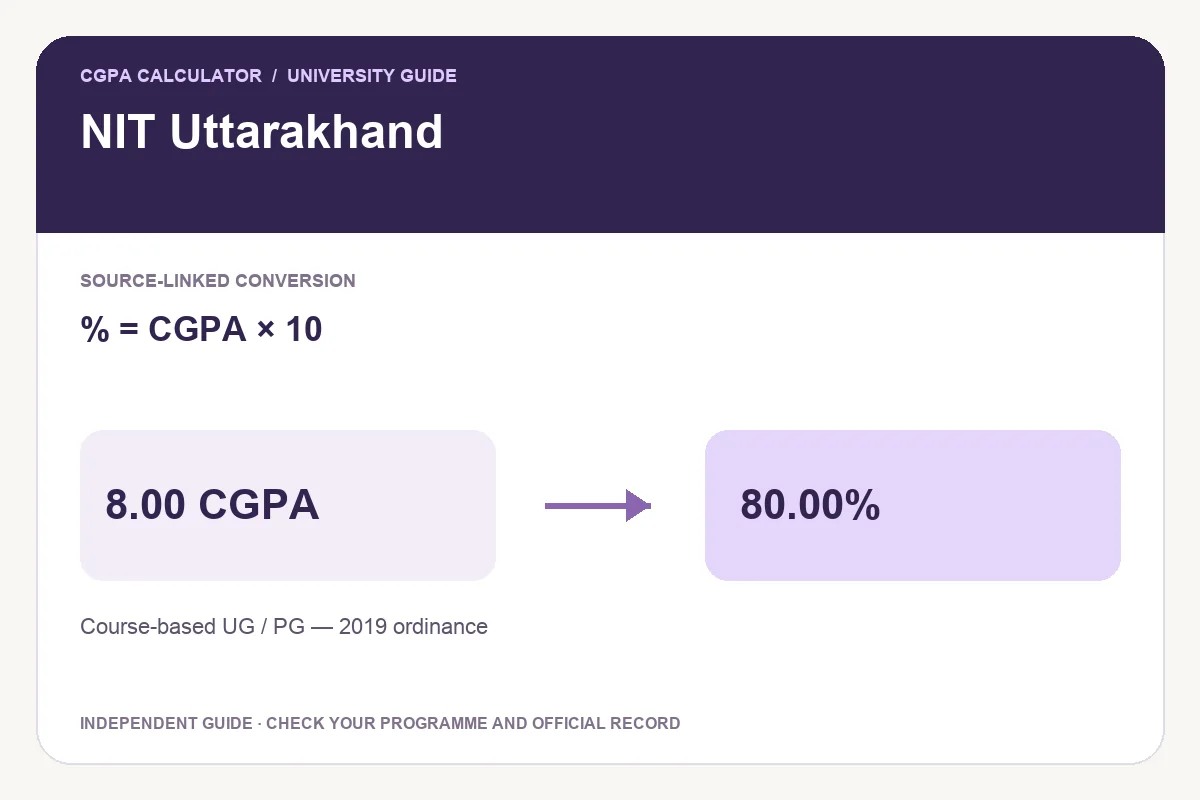
Official formula and applicability
The conversion appears in clause 2.10.2, immediately after the definitions of semester and cumulative averages. Its location does not turn SGPA into final CGPA: the conversion statement names CGPA. Use the metric and completed period requested by the receiving institution.
Clause 2.10.2 of the 2019 UG/PG ordinance specifies Percentage =10×CGPA. Clause 1.3 restricts this ordinance to course-based programmes and says research programmes have a separate PhD ordinance. This preset therefore does not verify research-degree conversion or every historical regulation.
Worked conversion examples
Clause 1.3 is the scope check: only course-based programmes are included. A PhD record needs its own governing instruction. Also keep division classifications separate from the arithmetic. A calculated percentage alone should not be used to infer completion of every academic requirement.
| CGPA | Equivalent percentage |
|---|---|
| 6.00 | 60.00% |
| 7.00 | 70.00% |
| 8.00 | 80.00% |
| 9.00 | 90.00% |
Percentage = CGPA × 10
How to use the calculator
- Confirm the university, programme and regulation or batch scope against your academic record.
- Enter the cumulative CGPA exactly as shown on the relevant record.
- Review the selected formula, result and source before saving.
- Keep the original transcript and official conversion document if an organisation requests evidence.
Download, print and share your calculation
Download PDF saves a report containing the input, formula, result and official source. Print report prepares the calculation for printing. Download image creates a PNG that can be kept with your study records. Each option becomes available after a valid input.
Share opens a preview containing the calculator link by default. You can choose to include the current result, then review the details before sharing. A report from this website explains the arithmetic; it is not a university-issued certificate.
Frequently asked questions
Does this rule verify a PhD percentage?
No. The checked ordinance expressly separates research programmes. This calculator supports the course-based UG/PG rule only.
Can this tool recover my exact paper-wise marks?
No. A cumulative percentage equivalent does not reveal individual paper marks or replace the transcript. Use the original marks record when an application asks for actual marks.
Try the programme-specific calculator
Open the full university calculator and usage guide, or use the same tool below.
Official source checked
Reviewed on October 23, 2026.
Worked examples use simplified calculation models. Check your institution’s current regulations, grading scale, rounding rules and official records before relying on a result.