NIT Silchar M.Tech CGPA Percentage: The 2019 Entry Rule
NIT Silchar’s amended M.Tech regulations state both an admission-session scope and a conversion method. A programme-specific source is more useful than assuming every institute degree follows an identical instruction.
Official source and supported scope
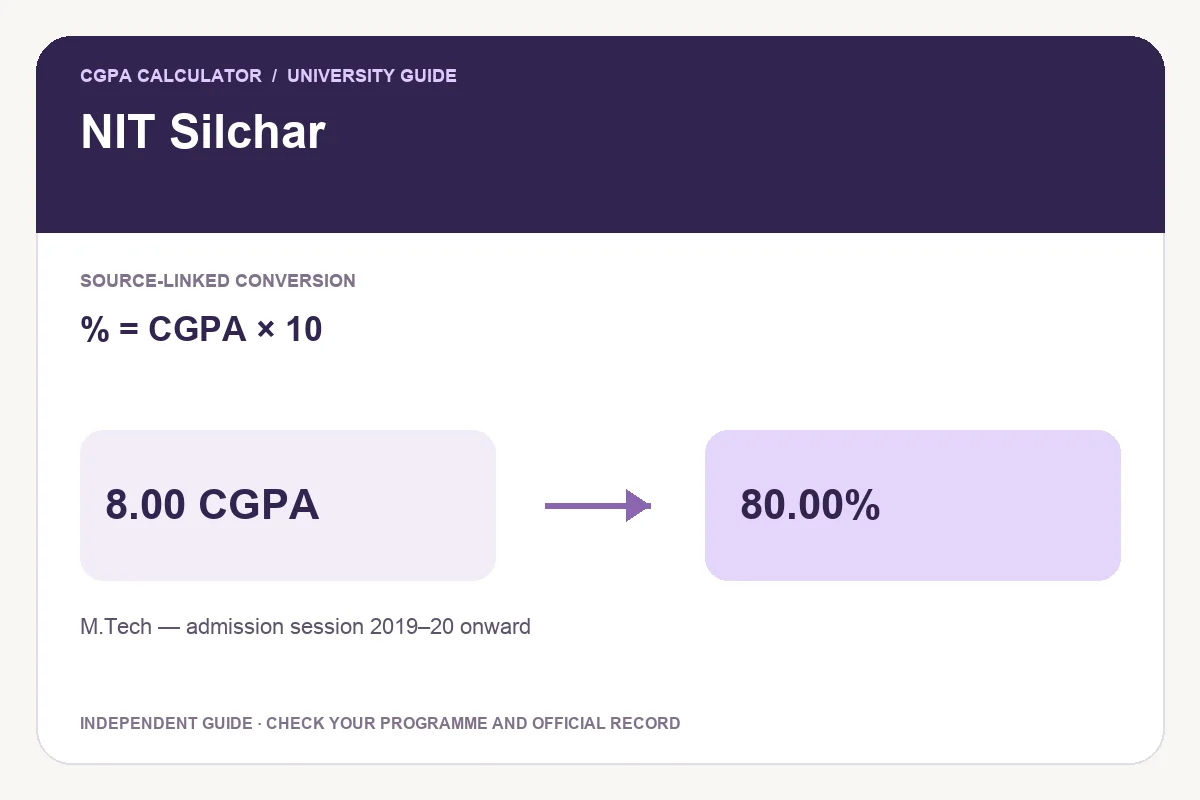
Clause O.1 makes the M.Tech regulation effective for students admitted in academic session 2019–20 onward. R.20 on printed page 11 permits a factor of 10 where conversion of SGPA or CGPA is needed. Its worked example converts 5.5 to 55%.
The inspected M.Tech regulations apply to batches admitted in academic session 2019–20 onward. R.20 permits multiplication of SGPA/CGPA by 10 when conversion is needed and gives 5.5 =55% as an example. This preset supports final M.Tech CGPA under that regulation; B.Tech, MBA, MSc and earlier schemes need their own applicable document.
Worked examples and common mistakes
R.21 and R.22 distinguish semester performance from the cumulative record. For a completed degree calculation, enter the final CGPA shown on the appropriate grade card. Use the recorded value rather than recomputing it from already-rounded semester numbers, especially where semester credit loads differ.
| CGPA | Equivalent percentage |
|---|---|
| 6.00 | 60.00% |
| 7.00 | 70.00% |
| 8.00 | 80.00% |
| 9.00 | 90.00% |
Percentage = CGPA × 10
How to calculate your result
- Check the programme and graduation or admission scope against your original record.
- Read the linked official document, then select the applicable preset.
- Enter the recorded cumulative value. For a table-only preset, use an exact published entry without changing your original CGPA.
- Review the formula, result and source before exporting.
Save PDF, print, download an image or share
A valid result enables Download PDF, Print report and Download image. The PDF and PNG retain the input, selected rule, result and source so you can explain the calculation later. The report is independent and does not replace a university-issued certificate.
Share opens a preview with the tool link by default. Choose Include current result if you want the calculation details added, and check the preview before sending it through your preferred app.
Questions about this conversion
Does this verify the NIT Silchar B.Tech formula?
No. The inspected source is the M.Tech regulation. This preset does not establish a B.Tech, MBA or MSc rule solely because the institution is the same.
Does the converted percentage reveal my exact subject marks?
No. A cumulative equivalent cannot reconstruct the exact marks for individual papers. Use the original transcript when actual marks are required.
Try the programme-specific calculator
Open the full university calculator and usage guide, or use the same tool below.
Official source checked
Reviewed on October 23, 2026.
Worked examples use simplified calculation models. Check your institution’s current regulations, grading scale, rounding rules and official records before relying on a result.