NIT Rourkela Percentage: Read the 2021 Notional Certificate
NIT Rourkela’s published certificate permits a notional equivalent at the receiving organisation’s discretion. Keeping that context is part of reporting the result accurately.
Check the official source and scope
Earlier Senate minutes can contain a different proposed or approved expression. The source used here is the later conversion certificate dated 12 March 2021, with a stated Senate resolution and a direct numerical factor. The guide keeps the certificate attached to the calculation.
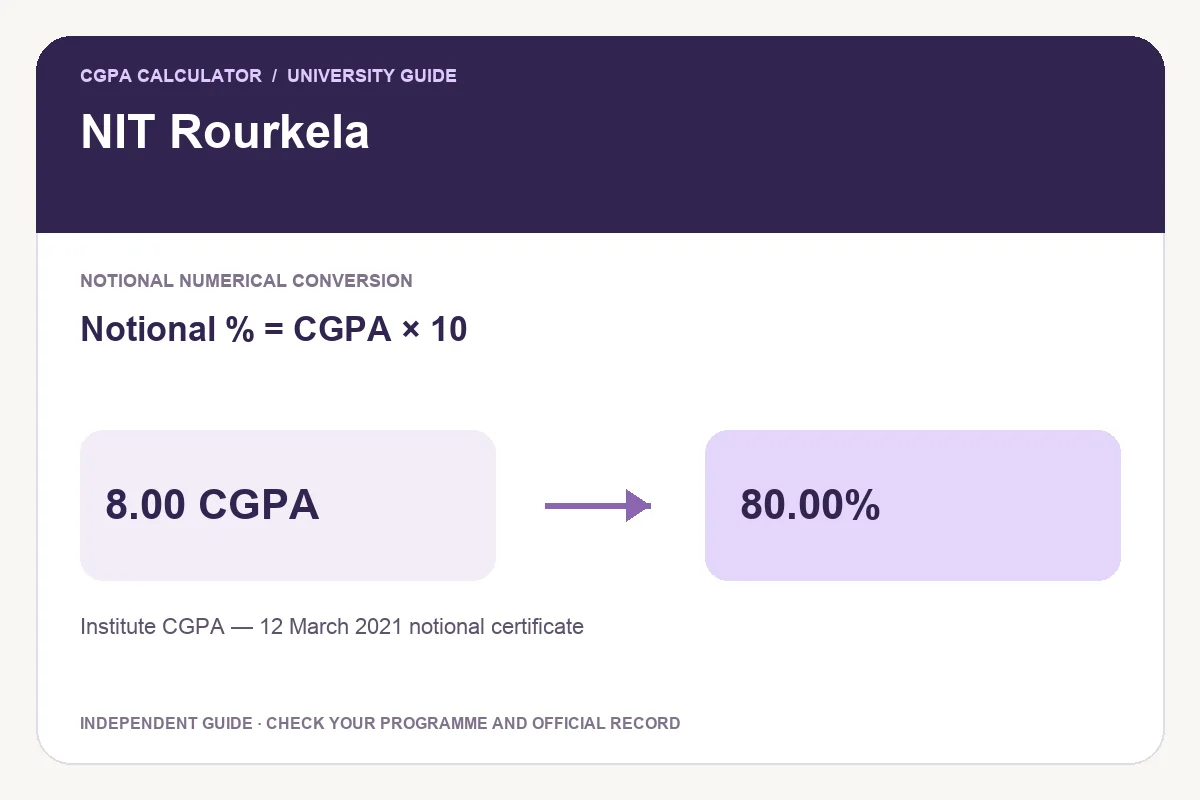
The 12 March 2021 certificate cites Senate-98[2021]-12(7) and permits CGPA ×10 notionally at the concerned institution or organisation’s discretion. The institute does not issue separate certificates for this conversion. This preset uses the 2021 certificate, not an older Senate formula or a recruitment fallback for external applicants.
Worked examples
A notional comparison is useful when a form requests a percentage, but it does not recreate paper-wise marks. Check what evidence the receiving organisation requests. The website’s PDF explains the calculation; the institute certificate supplies the official statement of the method.
| Final CGPA | Notional percentage |
|---|---|
| 6.00 | 60.00% |
| 7.00 | 70.00% |
| 8.00 | 80.00% |
| 9.00 | 90.00% |
Notional percentage = CGPA × 10
Use the matching calculator
- Check the final CGPA, grading scale and the relevant programme, batch or conversion-date scope.
- Read the linked official document and select the matching rule.
- Enter the final cumulative value; use the original academic record to resolve an uncertain input.
- Review the formula and result label before exporting.
Save a PDF, print, download an image or share
After a valid calculation, Download PDF creates a portable report with the input, selected rule, result and source. Print report prepares that calculation for paper, and Download image creates a PNG. Keep the programme or batch label attached to the percentage.
Share opens a preview, initially containing the tool link. Choose Include current result if you want the input and calculation details included, and review the preview before sharing. This website’s report is an independent calculation rather than a university certificate.
Questions students ask
Why not use an older Rourkela deduction formula?
This preset follows the published 2021 notional certificate. An older document should not be combined with a later certificate without checking which instruction governs the required conversion.
Can I use a semester GPA instead of final CGPA?
Use the period and metric requested by the application. A semester GPA describes one term; the final cumulative record can cover a different set of courses. Do not substitute one simply because it gives a higher percentage.
Try the programme-specific calculator
Open the full university calculator and usage guide, or use the same tool below.
Official source checked
Reviewed on October 23, 2026.
Worked examples use simplified calculation models. Check your institution’s current regulations, grading scale, rounding rules and official records before relying on a result.