NIT Calicut Percentage: Conversion Date Versus Graduation Year
NIT Calicut’s certificate makes the date of conversion important. It also addresses the older formula printed on grade cards, so the back of an old record is not the only document to check.
Check the official source and scope
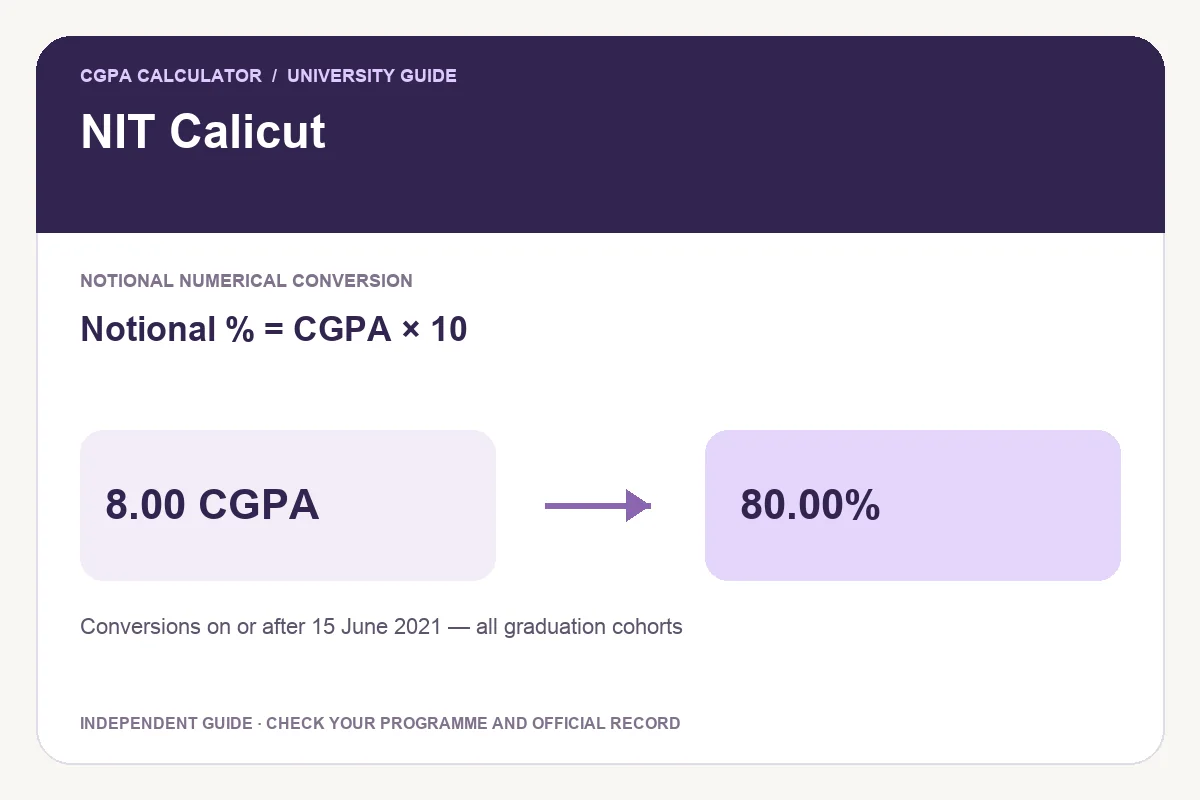
The Dean’s certificate of 12 July 2023 applies the notional factor to conversions calculated on or after 15 June 2021. It expressly includes students graduating before and after that date. This is different from a rule limited to students admitted or graduating in a particular year.
The 12 July 2023 certificate permits notional CGPA ×10 for conversions calculated on or after 15 June 2021, covering students who graduated before or after that date. It explicitly nullifies the conversion formula printed on the reverse of grade cards. This preset is for that conversion-date scope, not an admission-year boundary.
Worked examples
The certificate also nullifies the conversion formula on the reverse of grade cards. When reporting a new calculation from an older record, retain the updated certificate with that record so a reviewer can understand why the expression differs from the printed historical instruction.
| Final CGPA | Notional percentage |
|---|---|
| 6.00 | 60.00% |
| 7.00 | 70.00% |
| 8.00 | 80.00% |
| 9.00 | 90.00% |
Notional percentage = CGPA × 10
Use the matching calculator
- Check the final CGPA, grading scale and the relevant programme, batch or conversion-date scope.
- Read the linked official document and select the matching rule.
- Enter the final cumulative value; use the original academic record to resolve an uncertain input.
- Review the formula and result label before exporting.
Save a PDF, print, download an image or share
After a valid calculation, Download PDF creates a portable report with the input, selected rule, result and source. Print report prepares that calculation for paper, and Download image creates a PNG. Keep the programme or batch label attached to the percentage.
Share opens a preview, initially containing the tool link. Choose Include current result if you want the input and calculation details included, and review the preview before sharing. This website’s report is an independent calculation rather than a university certificate.
Questions students ask
Must I have graduated after June 2021 to use this preset?
No. The certificate covers graduates before and after that date for conversions calculated on or after 15 June 2021. The date describes the conversion, not a graduation requirement.
Can I use a semester GPA instead of final CGPA?
Use the period and metric requested by the application. A semester GPA describes one term; the final cumulative record can cover a different set of courses. Do not substitute one simply because it gives a higher percentage.
Try the programme-specific calculator
Open the full university calculator and usage guide, or use the same tool below.
Official source checked
Reviewed on October 23, 2026.
Worked examples use simplified calculation models. Check your institution’s current regulations, grading scale, rounding rules and official records before relying on a result.