UNIVERSITY CALCULATORS · MNIT Jaipur
MNIT Jaipur CGPA to Percentage Calculator
Calculate a percentage for Malaviya National Institute of Technology Jaipur using the verified method for Graduates since 2016 — notional conversion. Check the linked source and select the matching rule before entering the value from your academic record.
Sources checked on October 23, 2026. Independent tool; not affiliated with Malaviya National Institute of Technology Jaipur.
Calculate your MNIT Jaipur percentage
Verified source documents and applicability
The Registrar’s 7 December 2020 letter permits CGPA ×10 notionally for graduates since 2016. This scope is based on graduation, not admission year. The certificate can be downloaded from the institute website; it says individual certificates are not issued. Earlier graduates are not covered by this preset.
Graduates since 2016 — notional conversion
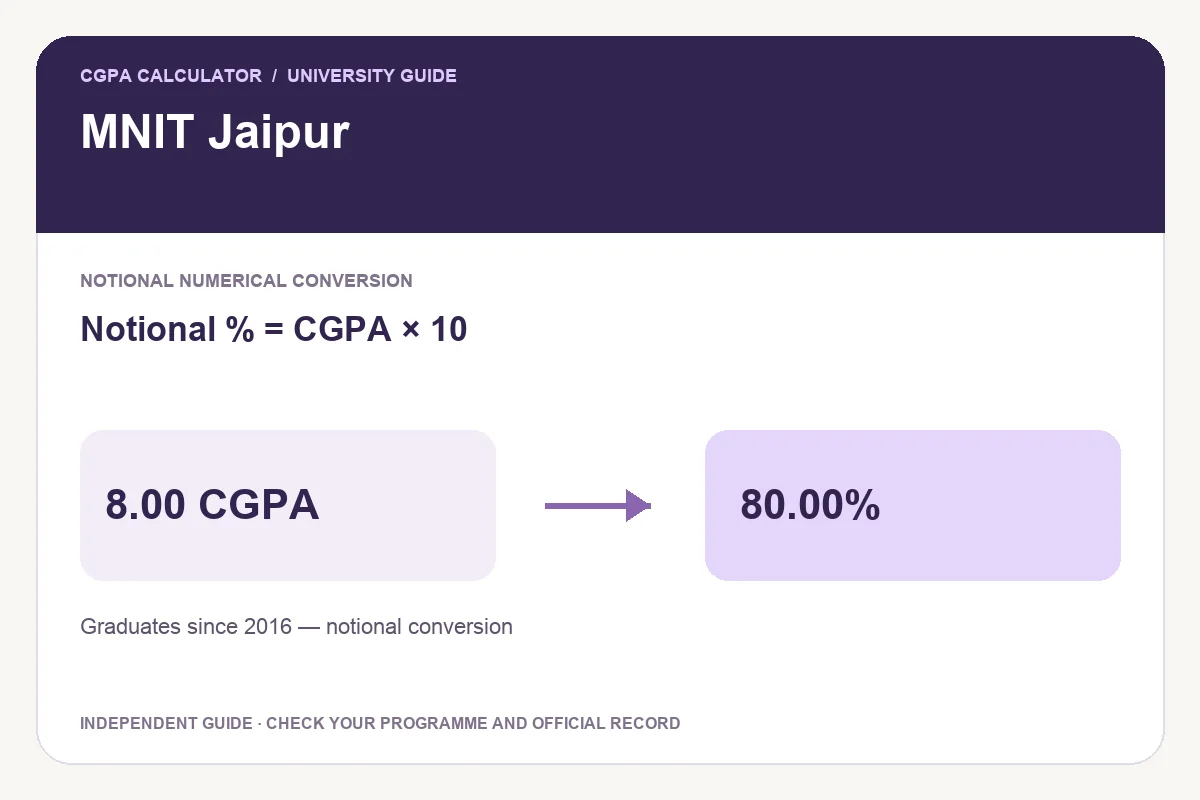
Notional percentage = CGPA × 10
Registrar Letter No. 2499, 7 December 2020
This is a notional numerical conversion, not a reconstruction of actual marks.
| CGPA | Equivalent percentage |
|---|---|
| 6.00 | 60.00% |
| 7.00 | 70.00% |
| 8.00 | 80.00% |
| 9.00 | 90.00% |
| 10.00 | 100.00% |
Example: 8.00 CGPA gives 80.00% under this selected rule.
How to use the MNIT Jaipur calculator
- Check your final marksheet for the programme, regulation or academic pattern.
- Select the matching rule and review the linked source and scope.
- Enter the final grade-point value using the scale shown in the calculator. Table presets accept only the published entries.
- Read the result and confirm any rounding or document requirements on your application.
- Download a PDF or PNG image, print the report, or open Share to review what will be included.
CGPA, SGPA and percentage: choose the right input
SGPA describes one semester; final CGPA covers the required cumulative study period. A single semester’s GPA should not stand in for a completed degree result. If you need to calculate a credit-weighted average first, use the CGPA calculator. For academic goals, try the target CGPA planner.
Conversion does not certify passing status, honours, division or eligibility. Those decisions can depend on conditions beyond the number, including completed courses and programme regulations.
Frequently asked questions
Does “since 2016” mean admission in 2016?
The cited letter says graduates since 2016. Use the completion or graduation record to check that scope; do not substitute admission year.
Can I download or share my result?
Yes. After entering valid values, use Download PDF, Print report or Download image. Share opens a preview; the default shares only the tool link. Choose Include current result to share your report details.
Is the report an official university certificate?
No. This independent calculator applies the selected published method. Use the official marksheet or obtain a conversion certificate from your college or university when required.
Found a changed regulation? Send the official source and applicable programme to [email protected].