IISc Notional Percentage: Choose the 8-Point or 10-Point Scale
Choosing the wrong scale changes a notional result even when the entered number looks plausible.
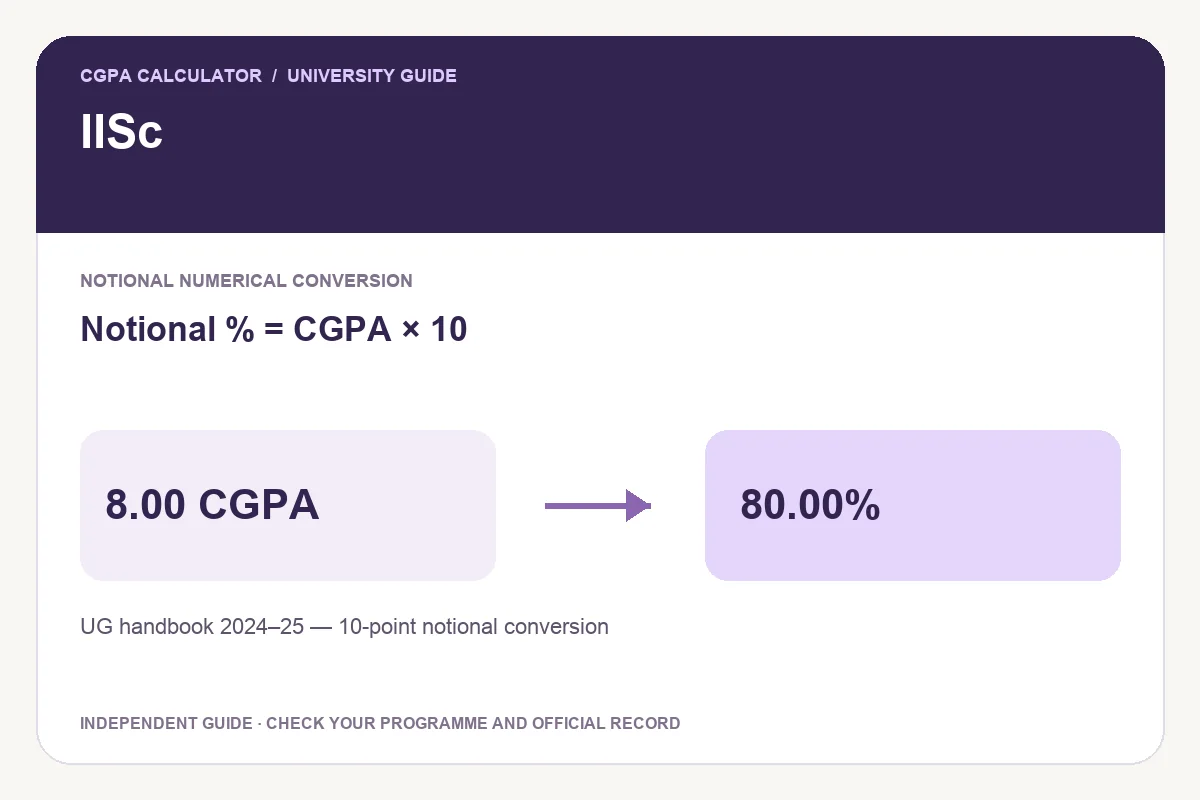
Which record does this guide cover?
IISc’s UG handbook separates an eight-point record from a ten-point record. The eight-point option has a maximum input of 8, while the ten-point option accepts values up to 10. Preserve the original scale and notional label in any report.
IISc states that grade points are not convertible into percentage, but permits a notional numerical percentage: ×10 on a 10-point scale or ×12.5 on an 8-point scale. Choose the scale actually printed on your record; this does not reconstruct actual marks.
Worked example using the supported expression
For 8.20 CGPA, the selected rule gives 82.00%. Keep the original grade-point value and the rule label together so that the saved result can be checked against its source.
| CGPA | Notional percentage |
|---|---|
| 6.00 | 60.00% |
| 7.00 | 70.00% |
| 8.00 | 80.00% |
| 9.00 | 90.00% |
Notional percentage = CGPA × 10
Compare the supported options before choosing
Different presets represent different scopes. The comparison below is an arithmetic illustration; it does not let you choose a rule on the basis of the higher result.
| Rule or scope | Example input | Example result |
|---|---|---|
| UG handbook 2024–25 — 10-point notional conversion | 8.00 | 80.00% |
| UG handbook 2024–25 — 8-point notional conversion | 8.00 | 100.00% |
Same number, different scale
A value of 7.20 gives a notional 72.00% on the ten-point scale and 90.00% on the eight-point scale. The original maximum is therefore essential information, not an optional calculator preference.
Use the calculator with your own record
- Identify the programme, regulation and relevant admission, completion or examination-session boundary.
- Read the official source linked below and select the matching preset.
- Enter actual obtained and maximum marks for a marks-based preset, or the final index on the scale requested.
- Check the displayed formula and label before saving the result.
Keep a usable report
Save the PDF with the original academic record when you need a portable calculation. Print report prepares the same calculation for paper; Download image produces a PNG. The source and scope are part of the report, so keep them visible when explaining the result.
Share opens a preview. It starts with the tool link; Include current result adds the entered values and calculation details. Review that preview before sharing. Website reports are independent calculations and do not replace certificates issued by the awarding institution.
Questions about this IISc calculation
Is an IISc value of 7.2 always 72%?
No. Scale matters: the cited notional factors are 10 on the ten-point scale and 12.5 on the eight-point scale.
Can one semester’s GPA stand in for the final result?
Use the period and metric requested by the application. A semester average and a cumulative record can describe different courses; calculate a credit-weighted average only under the relevant academic rules.
Try the programme-specific calculator
Open the full university calculator and usage guide, or use the same tool below.
Official source checked
Reviewed on October 23, 2026.
Worked examples use simplified calculation models. Check your institution’s current regulations, grading scale, rounding rules and official records before relying on a result.