NIT Durgapur Percentage: Apply the 0.5 Deduction Correctly
NIT Durgapur’s published undergraduate regulations provide an explicit conversion with a deduction. Follow the order of operations and check the programme before reporting an equivalent percentage.
Official source and supported scope
The inspected regulations include amendments through the 70th Senate meeting of 2 August 2023. Appendix IV point 4 records the conversion decision included in the 56th Senate on 24 January 2020. The statement covers past and future results within the regulation’s programme scope.
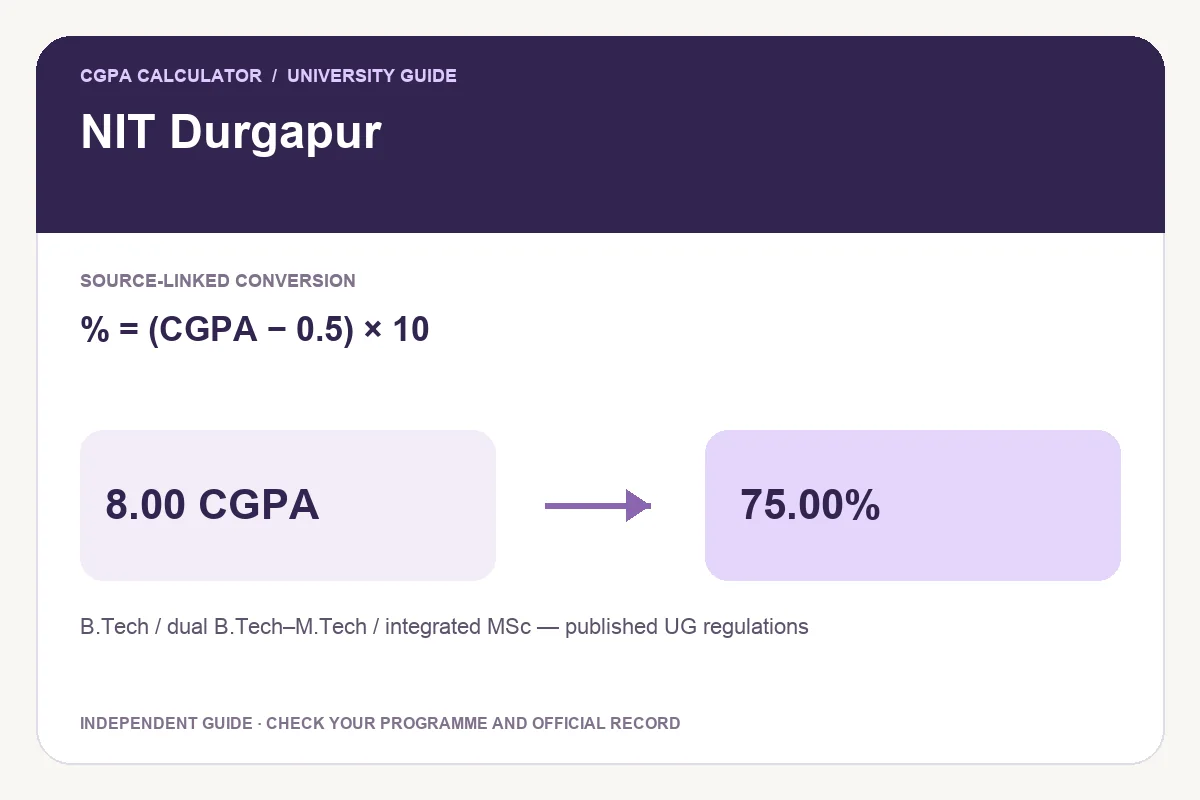
Appendix IV point 4 specifies (CGPA −0.5)×10 and says the same expression may be used for semester SGPA. It states validity for past and future results within the covered programmes. The checked regulations cover B.Tech, B.Tech–M.Tech dual degrees and integrated MSc; this source does not verify every standalone postgraduate programme.
Worked examples and common mistakes
At 8.00 CGPA the arithmetic is (8.00−0.50)×10=75.00%. Subtracting 0.50 after multiplication would produce 79.50%, which is not the same expression. Dual-degree students should also select the cumulative record for the specific award requested, rather than treating their two programme averages as interchangeable.
| CGPA | Equivalent percentage |
|---|---|
| 6.00 | 55.00% |
| 7.00 | 65.00% |
| 8.00 | 75.00% |
| 9.00 | 85.00% |
Percentage = (CGPA − 0.5) × 10
How to calculate your result
- Check the programme and graduation or admission scope against your original record.
- Read the linked official document, then select the applicable preset.
- Enter the recorded cumulative value. For a table-only preset, use an exact published entry without changing your original CGPA.
- Review the formula, result and source before exporting.
Save PDF, print, download an image or share
A valid result enables Download PDF, Print report and Download image. The PDF and PNG retain the input, selected rule, result and source so you can explain the calculation later. The report is independent and does not replace a university-issued certificate.
Share opens a preview with the tool link by default. Choose Include current result if you want the calculation details added, and check the preview before sending it through your preferred app.
Questions about this conversion
Does the source also mention semester SGPA conversion?
Yes. Appendix IV point 4 says the same expression may be used for semester SGPA. This tool labels its input final CGPA; use the final cumulative record when calculating a degree equivalent.
Does the converted percentage reveal my exact subject marks?
No. A cumulative equivalent cannot reconstruct the exact marks for individual papers. Use the original transcript when actual marks are required.
Try the programme-specific calculator
Open the full university calculator and usage guide, or use the same tool below.
Official source checked
Reviewed on October 23, 2026.
Worked examples use simplified calculation models. Check your institution’s current regulations, grading scale, rounding rules and official records before relying on a result.